Case Study
A Secure Modern Workplace, Without Losing a Working Day
Client
Fundacja „Dobra Przestrzeń”
Industry
Nonprofit / psychological support
Services
Microsoft 365 Business Premium deployment and migration, identity and collaboration design, Intune device management, network engineering, training, SLA support, ongoing administration, staff onboarding and offboarding
Tech stack
Microsoft 365 Business Premium (Entra ID · Exchange Online · Teams · SharePoint · Purview · Intune) · PowerShell · MikroTik · Ubiquiti UniFi · Dell PowerConnect
Challenge
A Microsoft 365 tenant with broken DNS records and over-permissioned accounts, some 35,000 messages still in a plain @gmail.com mailbox, ten unmanaged laptops plus the team's phones, and a building network with three patch panels to redo and 72 outlets on three floors to test, Ubiquiti access points that could not hand devices across floors and Wi-Fi at an unstable 30 to 50 Mb/s on a 500 Mb/s line - and no way to pause the foundation's work while any of it was fixed.
Solution
A rebuild in two tracks, delivered entirely outside working hours: a cleaned-up Microsoft 365 Business Premium tenant - roles and groups designed around the foundation's work, multi-factor authentication for every account, Exchange Online, Teams, SharePoint, Purview information protection and Intune device management - over a network rebuilt from the patch panels up: repaired and tested cabling, a new VLAN structure, hardened Dell PowerConnect switching and controller-managed UniFi Wi-Fi, all on hardware the foundation already owned.
Outcome
One coherent, secure workplace and a stable, fully documented network with Wi-Fi at 300 Mb/s where it had been 30, delivered in weekend and overnight windows without the foundation losing a working day - with staff trained, documentation handed over, a month of support behind each track, administration that continues on request, and no hardware replacement bill.
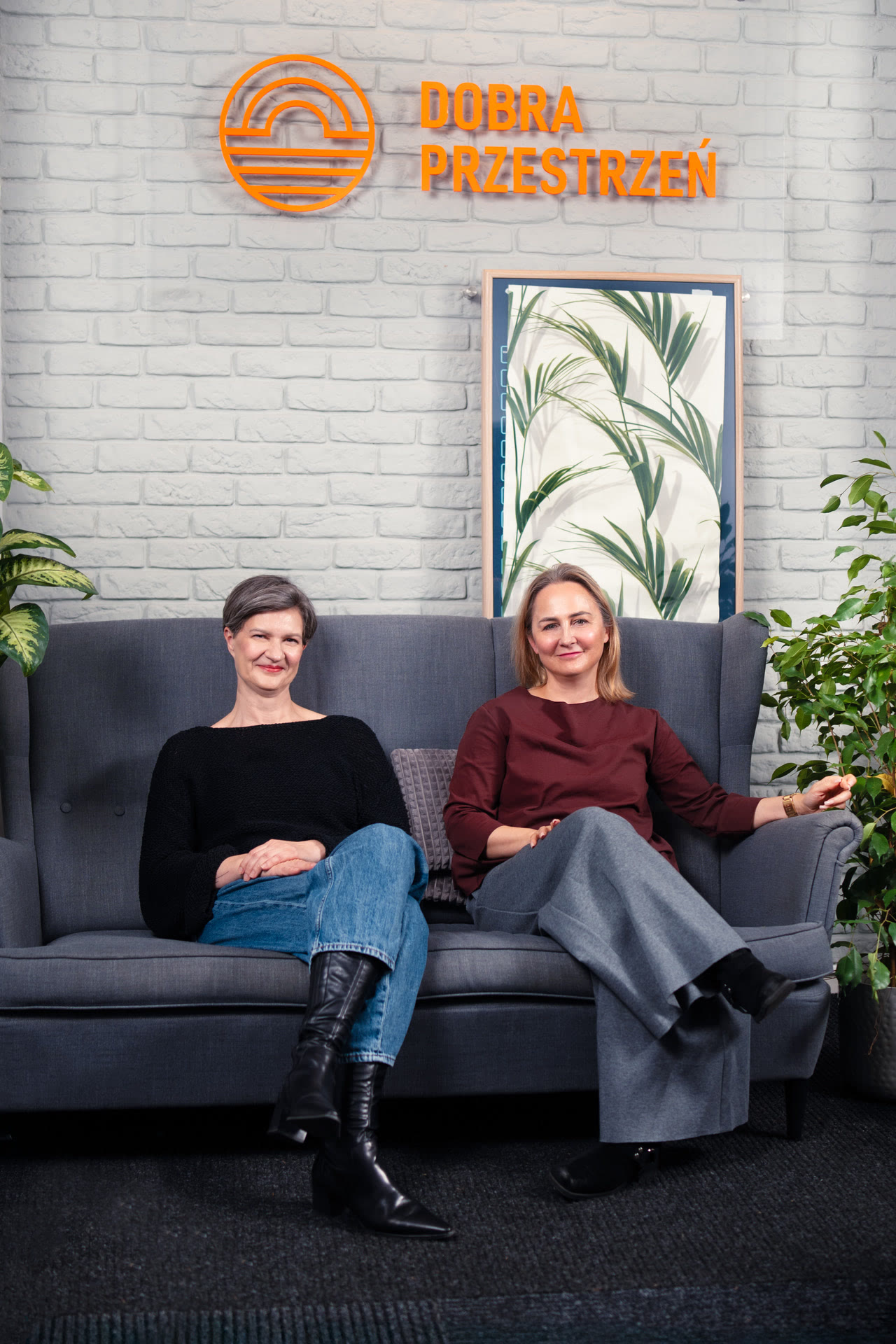
We locked up the office on Friday, and on Monday the team sat down to work in a new environment: mail, files, Wi-Fi and laptops finally worked together. Today we know what we have and how it works.
Anna Marchlik and Agnieszka KowalczykManagement Board, Fundacja „Dobra Przestrzeń”
The Challenge
The foundation's IT had grown the way it does in organizations without an IT function: one decision at a time, each reasonable on its own, none of them owned as a whole. When we came in, the Microsoft 365 tenant was configured badly enough to work against the team rather than for it: the Exchange Online DNS records and the tenant's primary domain records were broken, and accounts were mismanaged and over-permissioned. Part of the organization's mail lived outside Microsoft 365, in a plain @gmail.com mailbox rather than a Google Workspace subscription: some 35,000 messages. Ten company laptops and the staff's phones ran unmanaged, and no role or group structure reflected how people actually worked together.
The building's network told the same story in hardware. Ubiquiti access points had been installed without the controller they depend on for consistent configuration and fast roaming, so devices clung to a distant access point and Wi-Fi effectively broke when someone moved between floors. Patch panels had drifted into disarray, some outlets had failed, cabling was unlabeled - the patch panels would have to be redone and all 72 outlets across three floors tested - and the whole network sat on one flat segment. The devices themselves were dirty enough to overheat. The printers and the CCTV recorder had never been properly brought into the network, an unused legacy fiber patch panel took up rack space, and the UPS ran overloaded on a failed cell. Wi-Fi delivered an unstable 30 to 50 Mb/s on a 500 Mb/s line from the ISP.
None of this is unusual, least of all in nonprofits, where every złoty spent on infrastructure competes directly with the mission. Systems accumulate, each addition sensible at the time; things keep working until they quietly don't; and the fix keeps being postponed because it seems to demand the two things such organizations can least afford: downtime and a large invoice.
For a foundation whose everyday work involves confidential, sensitive information, “it mostly works” is not a security posture. It needed a modern, coherent, properly protected environment, delivered without interrupting a single day of the organization's work and without a corporate-scale budget.
Our Approach
Three principles shaped both tracks:
- Consultation before configuration - the role and group structure was derived from the organization's actual work patterns and reviewed with the team before anything was built, so the new environment would not introduce the very communication problems it was meant to remove. The same rule applied throughout: cleanup decisions on the old tenant were made together, and the ISP's business offering was reviewed with the provider before the network design was final.
- Keep what still does the job - we did not open with “migrate to Cisco or Juniper and write a large check.” We assessed the existing MikroTik, Dell PowerConnect and UniFi hardware against the budget, the load the network would realistically carry and the features required, and concluded the gear was neither too old nor too limited, with headroom left for growth. The PowerConnect switches were already out of vendor support, but they ran the last stable firmware and had no known vulnerabilities. They connect only the devices in the office. Given the switches' role, we judged that risk acceptable. Wholesale replacement would have been capital expenditure with no benefit the foundation would feel day to day; careful configuration delivered the outcome instead, and the switches are on the written list of upgrade options, to be replaced when budget or requirements call for it.
- Nothing left half-configured - every outlet tested, every device on the network brought into the new structure, down to the printers, every cable labeled, everything documented.
A Microsoft 365 environment shaped around the organization
Before building anything, we cleaned up. The tenant we inherited was in poor shape: the work began with repairing the Exchange Online and primary domain DNS records, then a careful teardown reviewed with the foundation item by item - which accounts stay, which go, which permissions come back - deciding together what to delete, what to archive and what to keep, so nothing of value was lost along the way.
On that cleared ground the environment was built around the organization rather than the other way round. The role and group structure came first: who belongs where, who sees what, which mailboxes are shared. Exchange Online was then configured through PowerShell; shared mailboxes, Teams with its admin-center governance, and SharePoint sites were set up to match that structure; and Microsoft Purview information protection and sensitivity labeling were configured so that confidential content is protected by policy rather than by habit.
Some 35,000 messages were migrated from the plain @gmail.com mailbox into Exchange Online shared mailboxes, ten company laptops and the team's phones were joined to the organization's directory, and Microsoft Intune was configured to manage them - putting every device the foundation works on under one consistent policy for the first time. The deployment ran over one weekend, from Friday 16:00, when the office closed, to Monday 07:00: three consecutive days of twelve-hour-plus work, so that when the team returned the new environment was simply there, and not an hour of the working week had been touched.
A network rebuilt from the physical layer up
The network was rebuilt on a separate weekend, in a single overnight window, Friday 19:00 to Saturday 07:00, and it started with the least glamorous layer. Three patch panels on three floors were repatched, all 72 outlets tested and the failed ones repaired. Every device was cleaned - the dust had them overheating - the rack was deep-cleaned, its cabling re-dressed and color-coded, and the unused legacy fiber patch panel - confirmed with the ISP to be dead weight - removed entirely.
On the logical side, the MikroTik edge router was reconfigured around a new VLAN structure, with routing and address translation to match; the Dell PowerConnect switches were configured, hardened and used to segment the network in place of the flat layout they had been carrying; and PoE injectors were added where switch ports could not power access points themselves. The Ubiquiti access points finally received what they had been missing since day one: a controller, deployed as a virtual machine rather than another box in the rack, giving the building seamless roaming across floors. Wi-Fi went from an unstable 30 to 50 Mb/s to a stable 300, and 200 in the hardest spots, on the long-range UniFi units, against a 500 Mb/s line from the ISP.
Nothing that used the network was left unconfigured. The printers were brought into the new structure, the CCTV recorder was reconfigured and recabled to fit the new layout, the UPS - a failed cell and an overload - was put right, with modernization options laid out for later, and the entire result was labeled and documented - the kind of documentation that lets the next engineer, or us a year on, pick up the network without re-discovering it.
Handover without dependency
Staff were trained to work in the new environment - from everyday Outlook, SharePoint, OneDrive and Teams to shared mailboxes and Purview information protection: a from-the-ground-up course for HR staff who had never worked in Microsoft 365, with us on call afterwards while the habits settled. Since then we have also handled the foundation's onboarding and offboarding: creating accounts, revoking permissions when someone leaves, and auditing the logs to confirm that no confidential data left the tenant. Neither track was handed over and left: the Microsoft 365 tenant was supported for a full month under an SLA, the network came with its own month of support, and complete documentation accompanied both. The relationship has not ended: we continue to administer the tenant on request, an arrangement the foundation keeps by choice.
The environment
Network
MikroTik, Dell PowerConnect, VLANs
Wi-Fi
Ubiquiti UniFi, controller, roaming
Microsoft 365
Business Premium, Entra ID
Exchange Online, SharePoint, Teams
mail, files, meetings
Purview Information Protection
sensitivity labels
Intune
laptops and phones
The Outcome
What had been a patchwork - mail split across two ecosystems, devices nobody managed, Wi-Fi that gave up between floors - became one coherent, secure, documented environment. The foundation's team gained:
- One digital workplace - mail, files, chat and meetings in a single ecosystem, on a role and group structure that mirrors how the organization actually communicates, because it was designed with the team rather than imposed on it.
- Security proportionate to the work - Purview information protection and sensitivity labeling for confidential content, accounts trimmed to the permissions their roles need, network segmentation in place of one flat segment, hardened switching, and all ten laptops plus the phones under Intune management.
- Wi-Fi that works everywhere - controller-managed access points with seamless roaming across floors, and a stable 300 Mb/s where there had been an unstable 30 to 50, 200 in the hardest spots, on a 500 Mb/s line.
- No blind spots - all 72 outlets on three floors tested, every device cleaned and configured down to the printers, the CCTV recorder and the UPS, every cable labeled and color-coded, the whole network documented.
- Zero working days lost - the Microsoft 365 deployment ran across three twelve-hour-plus days over a weekend, and the network rebuild in a single Friday-night-to-Saturday-morning window, so operations never paused.
- Existing hardware kept - routing, switching and access points retained after assessing features, expected load and headroom, a decision the network's stable performance under real load has since vindicated.
- Independence - training and complete documentation, leaving the team competent and confident in an environment it now owns.
Capabilities behind this project
Recognize this in your own organization?
Tell us about your case